



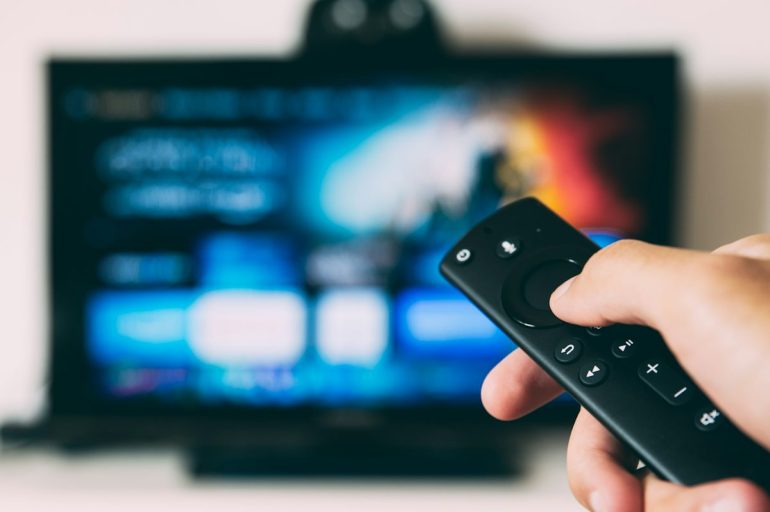
A good action sequence depends on more than the size of the explosion. You want to follow the movement, catch the line that sets up the confrontation and see enough of a dark scene to understand where everybody is. When you are adjusting the volume or waiting for playback to resume, that carefully built momentum disappears.
Before replacing the television or shopping for a bigger sound system, give the setup you already own a proper movie-night test. A few deliberate checks can help you identify what actually needs attention, whether you watch through a subscription app, a digital rental or an IPTV player.
Choose the film before choosing another subscription
Begin with the films you want to watch. A huge catalogue is not especially useful if it lacks the particular thriller, martial-arts film or older action favourite you had in mind. Check the title, the version available and the audio and subtitle options before committing to a service.
Use authorised viewing sources and check availability in your location. Do not assume that a film appearing in a promotional image means it is included in a particular package. Similarly, an app installed on your television may only be a player; it does not necessarily include access to films.
For UK readers exploring IPTV alongside other viewing options, 8K IPTV UK Provider provides subscription information, a free-trial request and WhatsApp setup support on its website. Before selecting a plan, ask about your exact device, current film availability and any separate player-app costs. The useful test is how the arrangement fits your own viewing habits.
Test playback where you will actually watch
A successful preview on a phone beside the router tells you little about a whole film on the television in another room. Test with the actual TV or streaming device, preferably when your household would normally sit down to watch.
Allow enough time to try more than an opening scene. Pause and resume, move to another part of the film, and check that audio stays in step with the image. If problems appear, record whether they affect one title or several. That information helps separate a particular playback issue from a wider setup problem.
If your device supports Ethernet, comparing wired playback with Wi-Fi is a useful troubleshooting step. Also test with background downloads paused. Change one thing at a time so you can tell what made a difference.
If you are considering this provider, you can request a free trial to discuss testing on your own equipment. Confirm the current trial conditions and available content before planning a film night around it.
Give the picture settings a fair comparison
Start by noting your current settings so you can restore them. If the television offers a Cinema, Movie or Filmmaker picture mode, compare it with the mode you normally use. Names and behaviour differ between models, so follow your television’s own instructions.
Choose a familiar scene with faces, movement and darker areas, and replay the same passage after each adjustment. Ask whether people look natural and whether you can still follow the action. A brighter-looking picture is not automatically the one you will prefer for a whole film.
Motion processing is another setting worth comparing, where available. Try the available levels rather than assuming the strongest setting is best. Your preference for a live sports broadcast may differ from your preference for a film, and you can judge that using the same sequence.
Do not let a resolution label make the decision
Resolution is only one part of the viewing experience. Check the quality available for the specific title, the capabilities of your playback device and the settings offered by the service. Owning a high-resolution display does not establish the resolution of every programme you watch.
If playback becomes unreliable at a higher quality setting, compare a lower setting before buying anything new. For a movie night, an uninterrupted sequence may be more enjoyable than a sharper picture that repeatedly stops.
Be equally specific about sound formats. Confirm what the title, app and connected equipment support instead of assuming a logo on one box describes the whole system.
Set the volume with dialogue as well as action
Try a quiet conversation followed by a louder sequence. Set the volume so the dialogue is comfortable, then decide whether the louder scene suits your room and the time of night. This is a better test than judging the system from an effects-heavy trailer alone.
If voices are difficult to follow, compare any dialogue-enhancement setting your equipment offers. If loud moments are the problem, try its night mode, if available. Check the manual for what each option changes and listen before keeping it enabled.
Subtitles are worth testing too. Check that they are available, readable from your seat and positioned comfortably. They can be useful for quiet exchanges, unfamiliar accents or watching without raising the volume.
Make the room part of the setup
Watch a dark scene with your usual lamps switched on. If you mainly see reflections, try moving or dimming a light before changing the television’s picture controls. Then check that the room remains comfortable for a full viewing session.
Look at the practical details around the screen: can everyone see comfortably, is anything blocking the speakers, and is the remote within reach? Follow the manufacturer’s ventilation guidance for the television and streaming hardware rather than hiding everything in a tightly packed cabinet.
The five-minute check before pressing play
- Confirm the correct film version, audio track and subtitles.
- Play a short scene to check the connection and sound synchronisation.
- Choose the picture mode you preferred during testing.
- Set a comfortable dialogue volume and adjust the room lighting.
- Finish updates or setup tasks before everyone sits down.
Save the settings that work, along with any useful troubleshooting notes. The next film night should begin with choosing what to watch, not rebuilding the setup. Once the controls, connection and room feel right, you can give the performances and choreography the attention they deserve.